

Artificial Intelligence is no longer just about answering questions; it is gradually becoming capable of helping with real tasks in everyday life. Now, AI is slowly reaching a stage where it can actually perform tasks for you. A very interesting update in this direction has come from Google’s AI assistant, Gemini.
Google has introduced a new feature in Gemini called Gemini task automation. With the help of this feature, Gemini can now control certain Android apps and complete many steps on your behalf. This feature has now started rolling out on the Samsung Galaxy S26 series, allowing users to experience a new level of AI-powered smartphone assistance. This means you can simply give a voice command and Gemini will go into supported apps and complete many steps itself, whether it is ordering food or requesting a ride. Let’s understand in detail how this feature works and how it might change the way we use smartphones in the future.
What Is Gemini’s Task Automation Feature
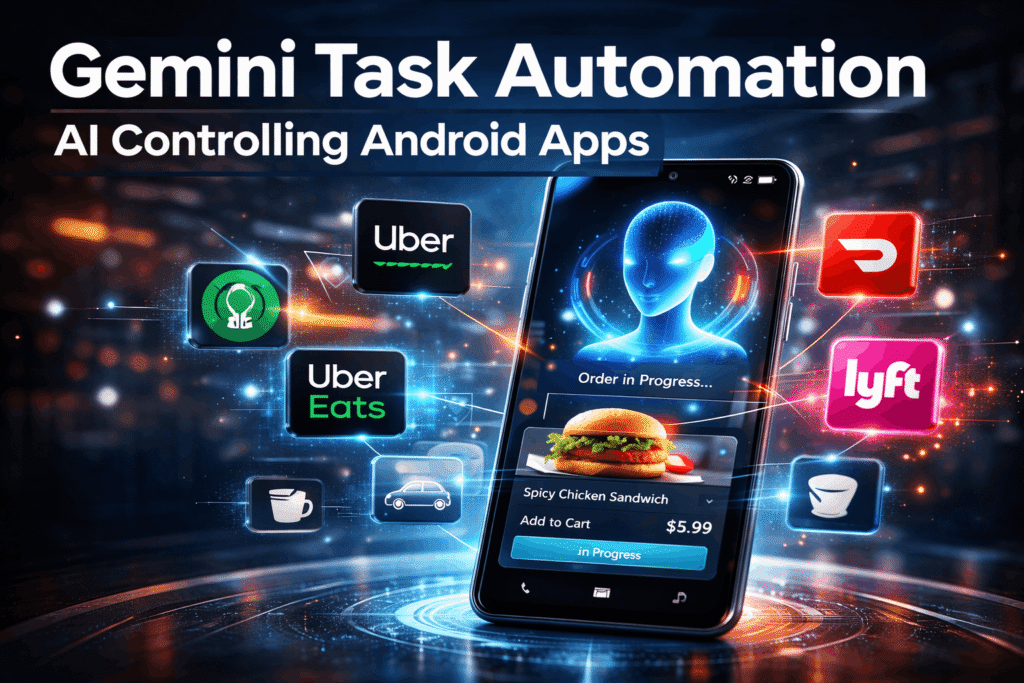
In simple words, task automation means AI can use apps on your phone and perform tasks inside them. In the settings, you may sometimes see this feature labelled as “screen automation.” After enabling this option, Gemini gets permission to go inside certain apps and perform actions. Normally, if you want to order food, you would open the app, search for the restaurant, select the item, and add it to the cart. But with Gemini automation, you can simply give a command. For example, if you say:
“Order a spicy chicken sandwich from Popeyes on Uber Eats.”
Gemini will automatically open the food delivery app, search for the item, and add it to the cart. However, an important point is that Gemini does not complete the final checkout itself. When the payment or final confirmation step arrives, Gemini sends a notification and gives control back to you. This ensures that the final decision always remains with the user.
First Introduced on the Galaxy S26 Series
Right now this automation feature has been launched on the Samsung Galaxy S26 lineup, including the premium Samsung Galaxy S26 Ultra. Samsung originally showed this feature during the Galaxy S26 launch event as a preview of future AI smartphone experiences. At that time it was presented mostly as a concept. Now the feature has started appearing on user devices. If you have the Google Gemini app installed, you can check the settings and look for the “screen automation” option. From there you can see which apps on your phone are compatible with Gemini automation.
What It Is Like to Order Food Using Gemini
One of the easiest ways to understand this feature is through food ordering. During testing on the Samsung Galaxy S26 Ultra, Gemini was asked to order a spicy chicken sandwich through Uber Eats. The process works like this. First, the user gives a voice command. After that, Gemini opens the Uber Eats app and searches for the restaurant. Then it goes into the menu and finds the requested item, and adds it to the cart. An interesting thing is that Gemini skips unnecessary pages, such as optional add-ons or suggestion screens. When the checkout page appears, Gemini stops the process and sends a notification to the user. After that you can review the order, select a driver tip, and confirm the payment.
This approach is quite smart because AI handles repetitive steps but the final payment always remains under the user’s control.

Is It Faster Than Doing It Yourself
Honestly, it is not always faster than doing the task manually. Opening a food delivery app and adding an item to the cart usually takes only a few seconds. In some cases, people may find manual ordering quicker. However, the main purpose of this feature is convenience rather than speed. Imagine you are busy doing something else on your phone, watching a video, chatting with someone, or working on something important. Instead of stopping what you are doing, you can simply give a voice command, and Gemini will start the process in the background. This is why the feature can be very useful for routine tasks that you repeat often.
Apps That Currently Support Gemini Automation
At the moment Gemini automation works with a limited number of apps. The supported apps currently include:
Lyft
Uber
Grubhub
DoorDash
Uber Eats
Starbucks
With these apps Gemini can perform tasks such as setting pickup locations, searching for food items, adding products to a cart, and preparing orders. In simple terms Gemini acts like a digital helper navigating the app interface for you.
More Apps Could Be Added in the Future
Right now, the list of supported apps is small, but it is expected to grow over time. For example, grocery delivery platforms like Instacart could become very useful if they integrate with Gemini automation. Imagine telling your phone: “Order milk, eggs, and bread.” Gemini could open the grocery delivery app and add those items directly to your cart. Google has also opened the system for developers, which means more companies may integrate their apps with Gemini automation in the future.
How the Feature Works in the Background
The automation system in Gemini is powered by advanced AI technology. It analyses the elements visible on the screen, such as buttons, menus, text fields, and navigation options. Based on that information, the AI decides what action to perform next.
In many ways Gemini operates apps in a similar way to how a human user would interact with them, except the process is handled automatically by AI. This makes the automation system flexible because it can adapt to different app layouts.
Some Early Bugs Have Also Appeared
Like many new features, Gemini automation is not perfect yet. During testing an issue appeared where the automation preview screen froze in fullscreen mode. The user could not exit the screen and had to restart the phone. Problems like this are quite common in early versions of new software features. Future updates to Android and the Gemini app will likely improve stability and performance.
Pixel Phones Will Also Get This Feature
Although the feature is currently rolling out on the Samsung Galaxy S26 series, Google plans to bring it to its Pixel smartphones as well. Expected supported devices include the Google Pixel 10, Google Pixel 10 Pro, and Google Pixel 10 Pro XL. At the moment the feature does not appear to be active on Pixel devices yet, but it could arrive through a future software update.
The Future of AI Assistants
This new capability in Gemini gives us a clear hint about the future of AI assistants. Earlier assistants like Siri or Google Assistant could only perform simple actions such as setting alarms, answering questions, or sending messages. Now, AI assistants are starting to use apps and perform real multi-step tasks. Experts often describe this concept as agentic AI, where artificial intelligence can complete complex processes independently. In the future, AI assistants might handle tasks like booking travel, ordering groceries, scheduling appointments, managing subscriptions, or comparing prices before purchases. In other words, AI could evolve from a simple digital helper into a true digital agent that manages tasks for users.
Final Thoughts
Gemini’s new task automation feature offers an exciting glimpse into the future of AI-powered smartphones. If AI can interact with apps and complete tasks automatically, everyday digital activities could become much simpler. The feature is still limited and not always faster than doing things manually, but its potential is significant. As more apps support automation and AI technology continues to improve, assistants like Gemini could handle many routine smartphone tasks for us. For now, users of the Galaxy S26 series are the first to experience this new capability, and it could mark the beginning of a new era in smartphone interaction.
FAQ
What is Gemini task automation?
Gemini task automation is a feature that allows the Google Gemini AI assistant to control certain Android apps and perform tasks such as adding items to carts or setting ride locations automatically.
Which phones currently support Gemini automation?
The feature is currently rolling out to the Samsung Galaxy S26 series, including the Samsung Galaxy S26 Ultra.
Can Gemini complete payments automatically?
No. Gemini can add items to the cart and prepare the order, but it stops before checkout so the user can review and complete the payment manually.
Which apps work with Gemini automation right now?
Supported apps include Uber, Lyft, Grubhub, DoorDash, Uber Eats, and Starbucks.
Will this feature come to Pixel phones?
Yes. Google is expected to bring the feature to devices like the Google Pixel 10, Google Pixel 10 Pro, and Google Pixel 10 Pro XL through future updates.
Is Gemini automation faster than doing tasks manually?
Not always. The main benefit is convenience because users can give a command and let Gemini handle repetitive steps in the background.

